Roller integration
Roller integration for Buzzshot allows players to pre-register online before they arrive to play your games. The booking player's information will be collected and if you have a waiver the player will be asked to agree to it. The booking player will then be asked to invite other players by giving their email addresses. Each invited player will then receive an email asking them to pre-register as well.
Before setting up the Roller integration you should edit the invite emails sent out by going to the Emails section in the admin settings. You'll want to edit the "Buzzshot to Player invite" email (sent to the player who booked) and "Player to Player invite" email (sent to players that the booking player invites).
Please note that only bookings made from the time you activate the integration will appear in Buzzshot. Existing/past bookings from before you set it up will not show up.
Setting up
Double-check your timezone in buzzshot
Before connecting your booking system please do double-check that the your timezone is set correctly in your Buzzshot account (this helps ensure booking times will sync correctly when you do connect your booking system).
Getting your Roller API Key
First you'll need some information from Roller:
- If you are an existing ROLLER customer without an API Add On license, contact ROLLER Support to gain access.
- If you are not currently a ROLLER customer, find out more and get in touch here: https://www.roller.software/api-integrations
- If you are an existing ROLLER customer with the API Add On license you should be able to find what you need within your Roller account (probably under settings or integrations).
Either way, the Roller team will be able to help you get the following two things:
- Your Roller API Client ID
- Your Roller API Client Secret
Connecting in Buzzshot
This part tells Buzzshot about Roller using the details collected in the previous part.
- Log into the Buzzshot Admin page and click Settings then Integrations
- Click '+ Connect account' next to the Roller integration
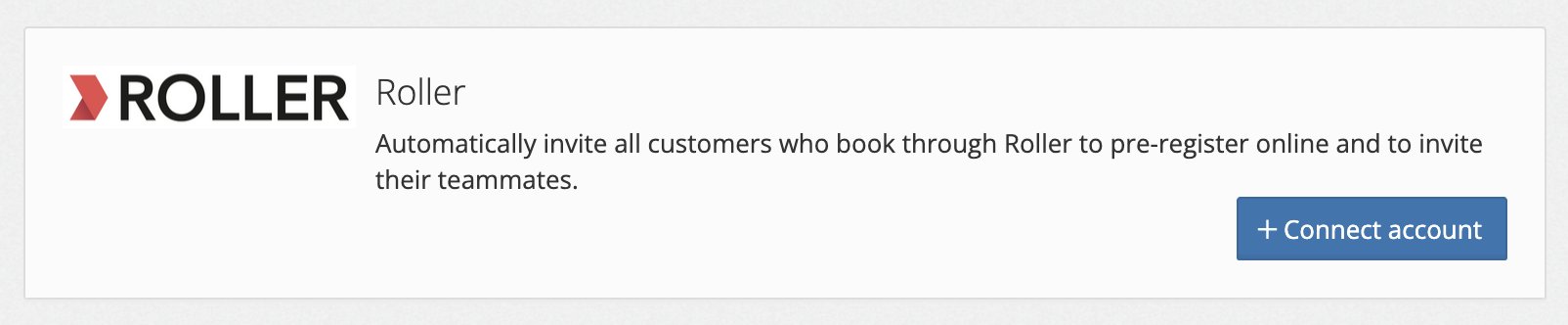
- Enter the "API Key" you got from Roller (see above).
- After connecting Roller you'll be asked to match up rooms, select a Buzzshot room for each Roller item. If you add rooms to Buzzshot or items to Roller you'll need to revisit this page in the future.
- You will be taken back to the Integration page.
Congratulations! Buzzshot is now integrated with Roller.
TIPS for checking it is working
- Once you've got the integration setup we really recommend that you make a PAID test booking via your own website to check everything works as you expect. Provided it's all connected correctly you as the booker should receive the pre-registration email and the booking should automatically appear in the Buzzshot admin. And the booking will appear in the Buzzshot app on game day.
- Only bookings made on your website after you connect the integration will automatically appear in Buzzshot. Any bookings made before the integration is connected won't automatically appear because Roller won't have sent them to us (so you'll still need to create those manually or update the bookings at Rollers end so that Roller can notify us about any pre-existing bookings).
Testing it works
Once connected, your booking system will notify Buzzshot of any new bookings made via your website, and a group will be created automatically in Buzzshot against the correct date, room and timeslot and the bookers name will be added as player one. To ensure your integration is working exactly as you expect we recommend you make a test PAID booking via your own website. If everything is working correctly your test booking will appear in Buzzshot as expected and you as the booker will get to experience exactly what your customers will.
Note: Any bookings made before the integration was connected won't appear in Buzzshot automatically because your booking system has not told Buzzshot about them. However, whenever a booking is cancelled or updated in your booking system, it will then appear/refresh in Buzzshot. If you wish to get existing bookings into Buzzshot the easiest way is to update them in your booking system.
Finding pre-registered teams
Teams who have pre-registered will show up in the Buzzshot app with their details already present, tap on a team to open the team edit screen and allow other players not already present to add themselves. By default the Buzzshot app will not show teams booked in for future days but you can turn this on from the side menu.